

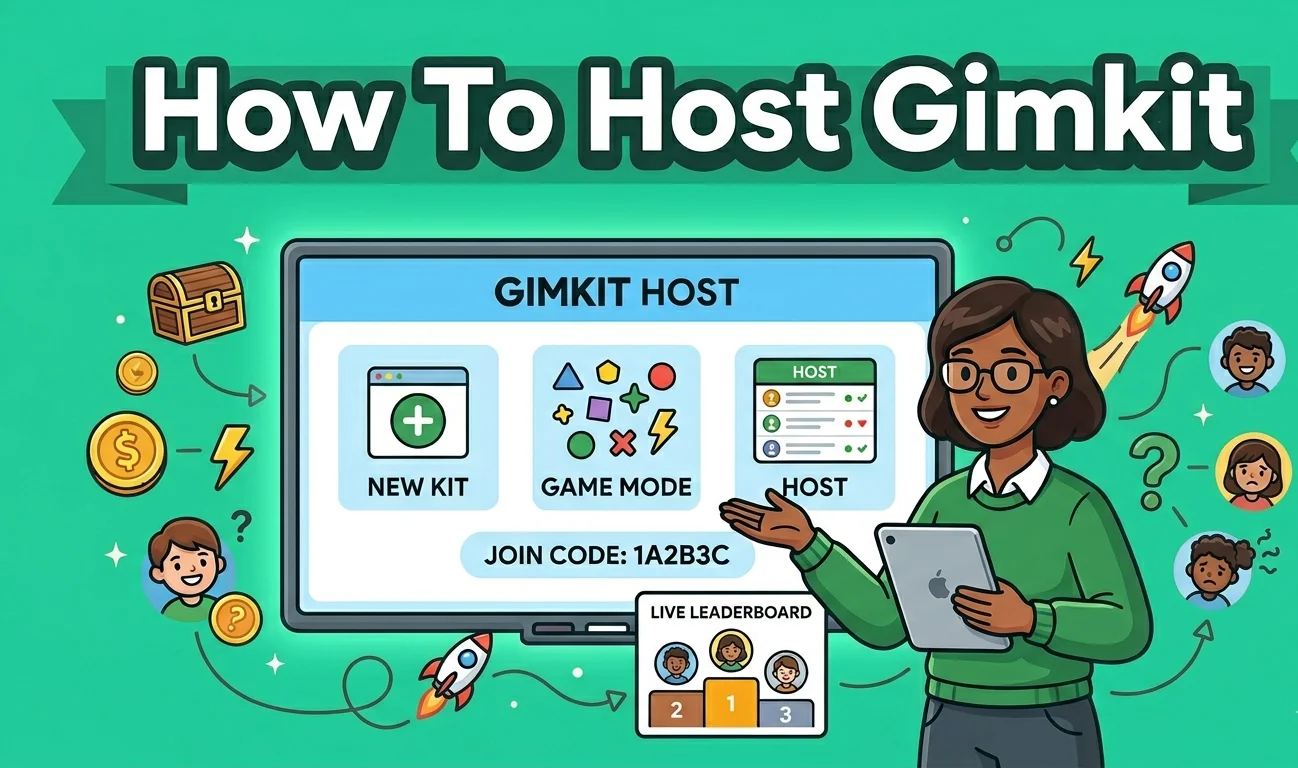
Gamified learning has completely changed how students engage with study material in modern classrooms and online spaces. Instead of traditional worksheets and quiet reading, teachers and facilitators now look for tools that turn review sessions into exciting games. At the center of this interactive experience is the person running the session. When you step into the role of a Gimkit host, you hold the keys to transforming a standard quiz into an engaging, fast-paced game environment that keeps everyone on the edge of their seats.
Whether you are an educator setting up a classroom review, a tutor running a small study group, or a student hosting a trivia night for friends, understanding how to operate the platform makes all the difference. Hosting a Gimkit game goes far beyond simply pushing a start button. It requires careful preparation, a good grasp of the dashboard, and an understanding of how to manage players in real time.
Throughout this guide, we will explore everything you need to know about becoming a confident Gimkit host. From building your very first question kit to analyzing post-game reports, this article will walk you through every single detail to ensure your next game session runs smoothly and delivers maximum learning value.
Table of Contents
Getting Started: How to Create and Prepare Your Question Kit
Before you can invite anyone to play, you need to create the actual game content, which Gimkit calls a “Kit.” As a Gimkit host, building a strong foundation here determines how fun and educational the game will feel. You can start by creating questions completely from scratch, typing in your own prompts and multiple-choice answers. If you are short on time, you can also search through public question banks created by other educators to find topics that match your current lesson plan.
Another great time-saving feature for any Gimkit host is the ability to import flashcards from external study tools like Quizlet. Instead of retyping dozens of definitions, you can copy and paste your existing terms and answers directly into the platform in just a few seconds. This flexibility allows you to pull together a comprehensive review session in minutes rather than hours.
When designing your kit, pay close attention to how you title your questions and assign subject tags. Clear titles help you find your kits easily later on when you have dozens saved in your dashboard. Furthermore, balancing your question difficulty is crucial. If the questions are too hard, players get frustrated and lose momentum. If they are too easy, the game loses its challenge. Aim for a healthy mix of review material and slightly trickier concepts to keep participants motivated and thinking critically.
Navigating the Dashboard: Launching Your Live Game Session
Once your kit is ready, the next big step is getting your live session up and running. From your main dashboard, finding your finished kit is simple. You just hover over your chosen set and select the “Play Live” option. This action triggers the setup screen where you can choose your preferred game mode and configure your session rules before anyone even joins the room.
After clicking play, the platform generates a unique numeric game code on your screen. This code is what participants will use to access the lobby. Players simply go to the join page on their own devices, whether they are using phones, tablets, or laptops, and type in the numbers. You can also share a direct link or display a QR code on a projector screen to make joining even faster for larger groups.
Before hitting that final start button, you will see players trickle into the digital lobby. Here, participants usually get to choose or customize a fun avatar and type in a display name. As the host, this is your moment to monitor who is joining. If someone enters an inappropriate nickname or a duplicate name, you can easily click on their profile and remove them from the lobby to keep the gaming environment safe and respectful.
Customizing Your Experience: Game Modes and Rules
One of the main reasons people love this platform is the variety of ways you can play. As a Gimkit host, you are not locked into just one style of quiz. The platform offers permanent modes like Classic, where players earn in-game cash by answering questions correctly and then spend that cash on upgrades to get ahead. Other popular modes include The Floor is Lava, which adds a fun physical survival element to the trivia, and Trust No One, which introduces team-based deception mechanics.
Selecting the right mode depends entirely on your group and your goals. If you want a fast-paced individual race, Classic or Tycoon styles work wonderfully. If you want to encourage teamwork and strategic thinking, you might opt for a cooperative or specialized seasonal game mode. The variety keeps participants from getting bored, ensuring that every session feels fresh even if you are using the exact same question kit.
Beyond picking the mode, you have complete control over the game settings. You can set time limits so the game wraps up neatly before class ends, or you can play until someone reaches a specific cash goal. You can also decide whether late-joining players are allowed to jump into an active game or if they have to wait for the next round. Using these modifiers lets you tailor the experience precisely to your schedule.
Controlling the Chaos: Managing Players in Real-Time
Once the game begins, the room usually erupts into energy and excitement. As the host, your job shifts from setup mode to facilitator mode. The screen displays a live leaderboard showing real-time player progress, scores, and accuracy metrics. Watching this board move up and down gives you an instant snapshot of who is dominating the game and who might be struggling with specific questions.
If things get too chaotic or you need to make a quick announcement, you have full control over the session. You can pause the game instantly to grab everyone’s attention, restart a round if technical issues pop up, or end the session early when time runs out. Maintaining a healthy competitive environment means encouraging friendly competition while making sure nobody feels left behind or overwhelmed by the speed of the game.
Advanced Features and Integrations for Educators
For teachers and professional facilitators, streamlining administrative work is a huge plus. Gimkit offers great integrations with popular learning management systems like Google Classroom and Canvas. As a host, you can easily import your student rosters, assign homework tasks, and sync grades without having to manually enter scores into a separate gradebook.
Not every session has to happen live in the same room. You can also set up asynchronous assignments by giving players a specific deadline to complete a kit solo at home. This feature turns homework into a fun, gamified review task rather than a chore. Additionally, utilizing team-play options during live sessions encourages collaborative learning, allowing students to pool their earnings together and work as a collective unit.
Post-Game Analysis: Reviewing Reports and Tracking Progress
The learning doesn’t stop when the game ends. Once a session finishes, the platform generates a detailed post-game report that acts as a goldmine of information for any host. Instead of just seeing who won first place, you can dive deep into performance analytics to see which specific questions gave participants the toughest time overall.
Reviewing these analytics allows you to spot knowledge gaps instantly. If ninety percent of the players missed a question about a specific historical event or scientific formula, you know immediately that you need to reteach that concept in your next session. Exporting and sharing these reports helps keep participants, parents, or colleagues informed about progress and areas needing extra attention.
Conclusion: Becoming a Pro Gimkit Host
Stepping into the role of a Gimkit host opens up incredible opportunities to make learning interactive, memorable, and genuinely fun. By understanding how to carefully build your question kits, navigate the dashboard, customize game modes, and analyze post-game reports, you take complete control of the learning environment.
Experimenting with different settings, game modes, and student groupings ensures that your sessions never feel repetitive. Whether you are running a quick five-minute vocabulary review or a massive end-of-unit tournament, mastering these hosting skills guarantees that your participants stay engaged from the very first question to the final victory screen.
Frequently Asked Questions
What exactly is a Gimkit host?
A Gimkit host is the person—usually a teacher, student, or facilitator—who creates, launches, and manages a live interactive game session on the platform. The host controls the game settings, starts the session, and monitors player progress in real time.
Do participants need an account to join a hosted game?
No, participants do not need to create an account or sign up to play. They simply navigate to the join page, type in the unique numeric game code provided by the host, and enter a display name to jump right into the action.
Can I host games for free on Gimkit?
Yes, Gimkit offers a free tier that allows users to host games with basic features and game modes. However, they also offer upgraded subscription plans that unlock unlimited question kits, advanced game modes, and deeper reporting analytics for frequent hosts.
How do I create a custom question kit for my session?
You can build a kit from scratch by typing your own questions and answers into the dashboard. Alternatively, you can save time by searching public question banks or importing existing flashcards directly from external study tools like Quizlet.
What happens if a player gets disconnected during a live game?
If a player loses connection mid-game, their current progress and in-game earnings are typically saved by the platform. Depending on the settings chosen by the host, they can often rejoin the active session using the same game code and pick up right where they left off.
READ MORE: Fred Durst Spouse
